Live Demo
HyperAdmin is a server-side admin framework — it renders pages with Jinja2, serves HTMX requests from real FastAPI endpoints, and manages sessions. That means a static host (like GitHub Pages, where these docs live) cannot run it: it needs a Python process.
So this page gives you three ways to experience HyperAdmin:
- The hosted demo of the bundled ERP example — open it and sign in.
- A screenshot tour (below) — no setup, runs in your browser right here.
- A one-click live environment via GitHub Codespaces, where you run the app yourself.
Hosted demo
hyper-admin-demo.onrender.com/admin/ —
sign in with demo / demo.
The demo account can manage every ERP record (contacts, invoices, bills, accounts, journal entries, the profit-and-loss report) but not users, groups or permissions.
- It runs on a free plan and sleeps after 15 minutes without visitors, so the first page can take about a minute to load.
- The data is synthetic and is reset every night and on every deploy. Other visitors see what you enter until then, so please don't type real personal data.
- It is deployed automatically from the
developbranch.
Try it live in Codespaces

Click the badge to launch a ready-to-run dev environment (dependencies install automatically). Once it's up, start the ERP demo:
uv run fastapi dev examples/erp/main.py --host 0.0.0.0
Codespaces forwards port 8000 automatically — open the preview to use the admin.
The demo seeds itself on boot (a small SQLite database, erp.db), so you get a fully
populated bookkeeping app: contacts, sales, purchases, accounting, and reports.
Log in with the seeded superuser (see
examples/erp/seed.pyfor credentials).
Screenshot tour
The screenshots below are taken from the ERP demo above, unedited. They show exactly what the framework renders.
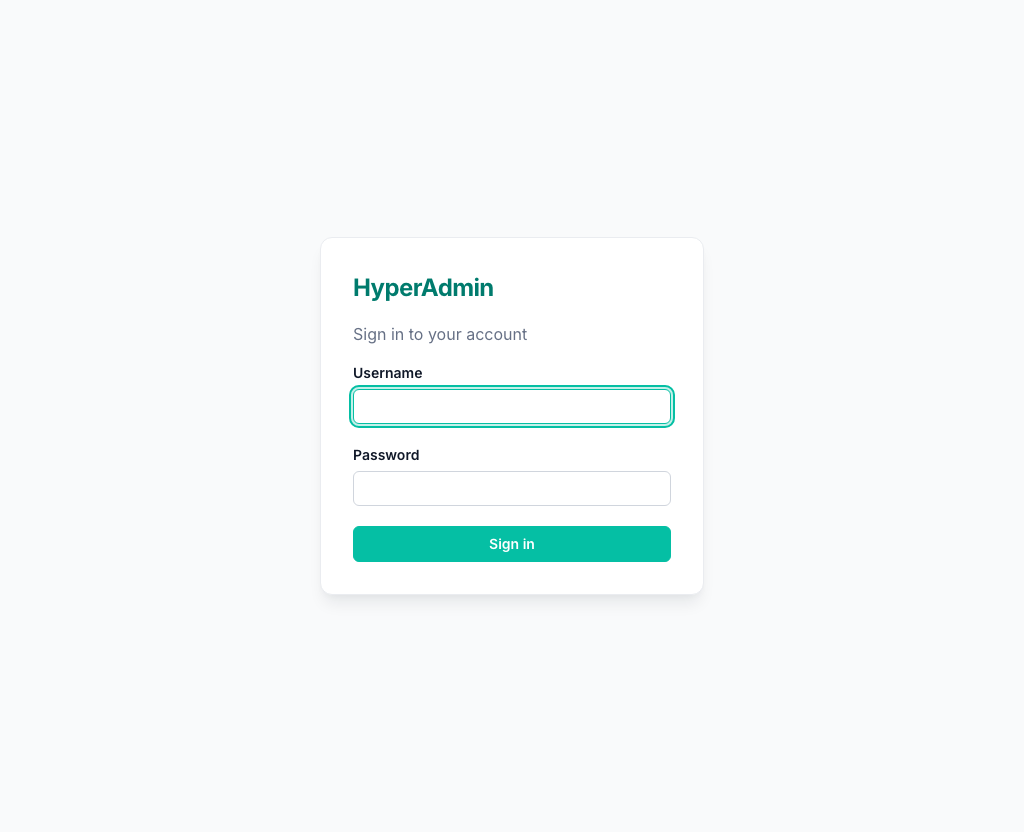
Login
Session-based authentication out of the box.
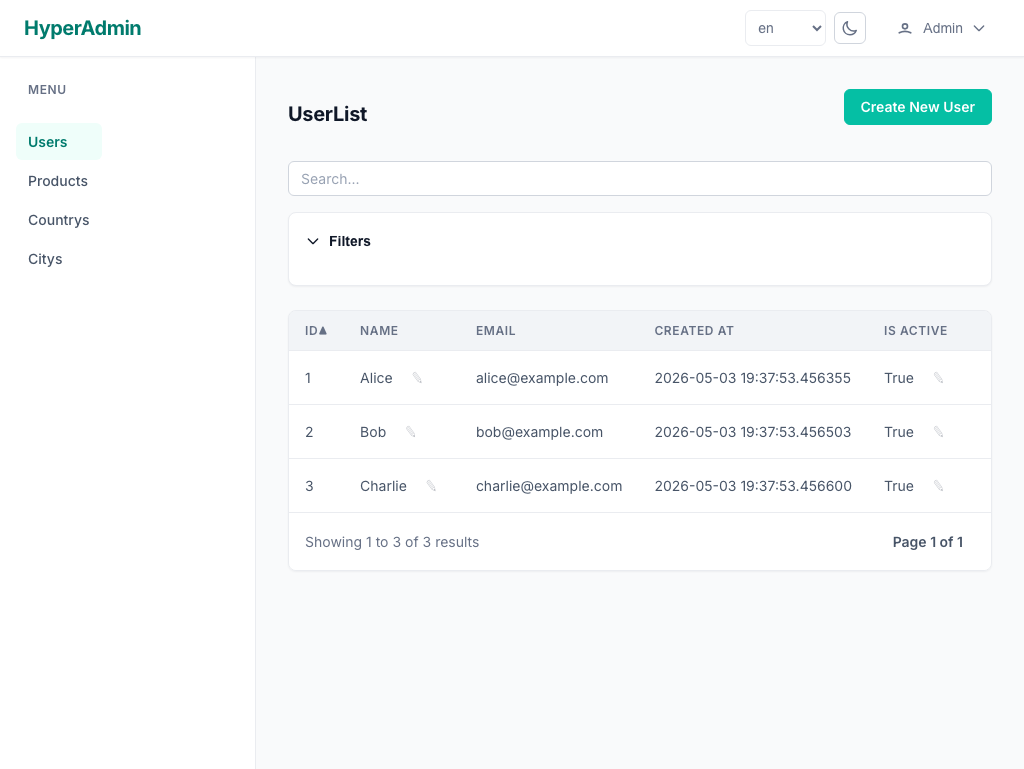
List view
Sortable, searchable, paginated tables generated from your models — no boilerplate.
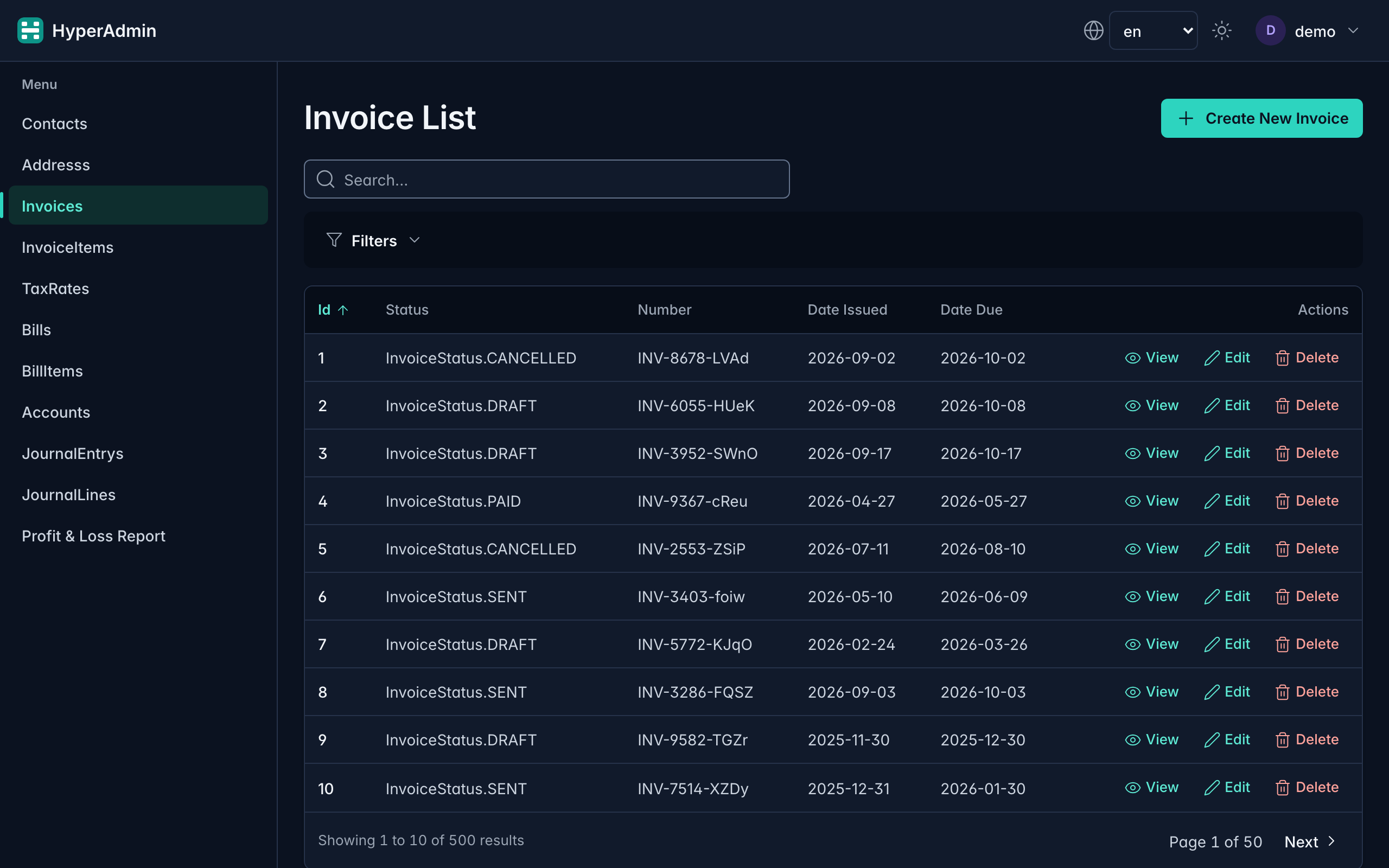
Dark mode follows the operating system, or the toggle in the navbar.
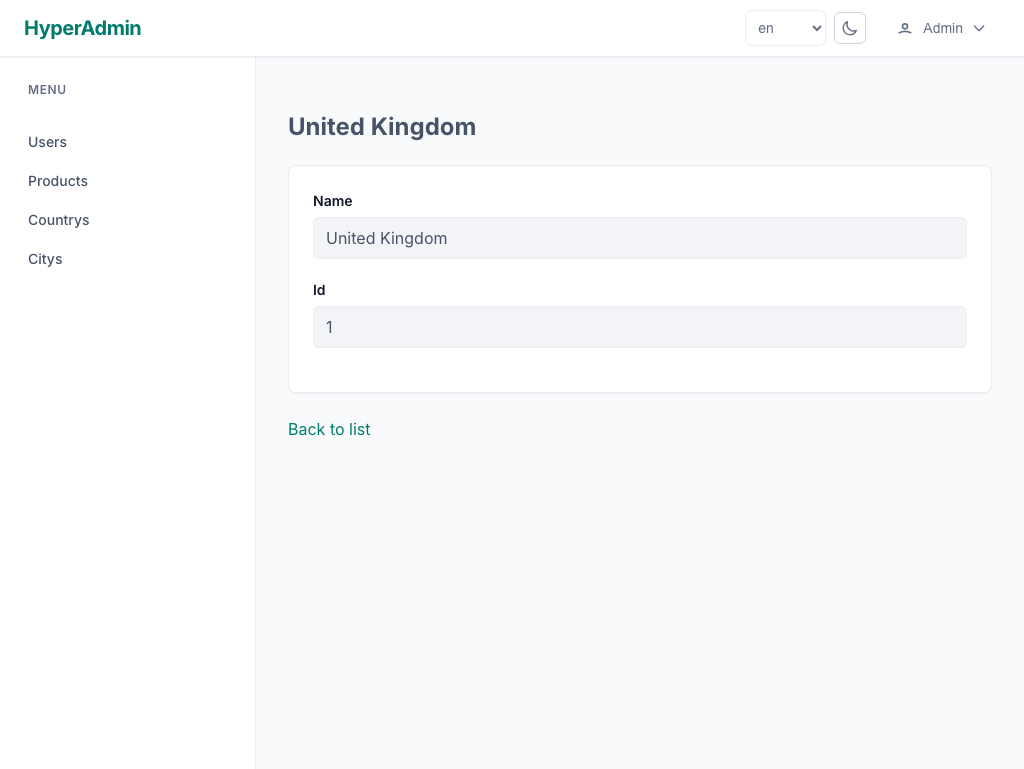
Detail view
Per-record detail pages with related data and row actions.
Create / edit form
Forms derived from your Pydantic/SQLModel fields, with server-side validation and inline field errors.
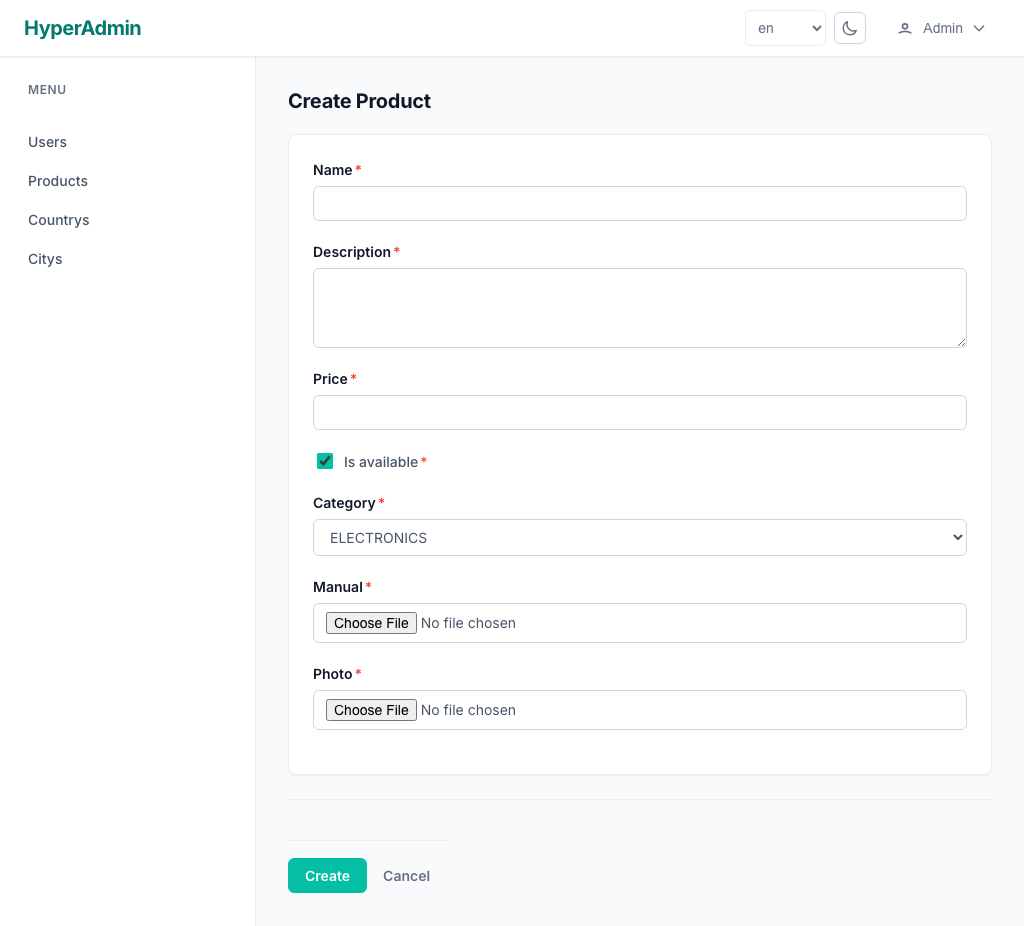
Responsive by default
The same UI adapts to small screens.
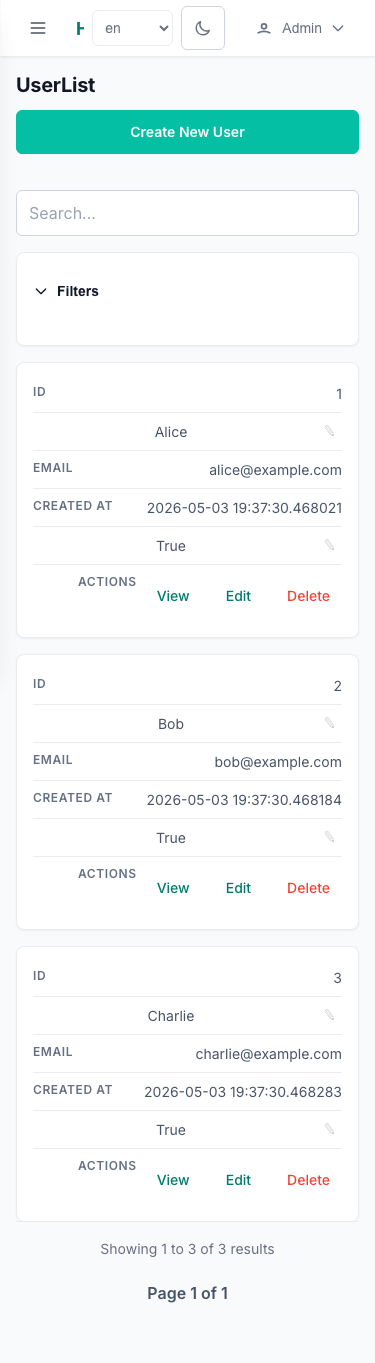 { width="320" }
Run it locally
The demo lives in examples/erp/.
With Docker
cd examples/erp
docker compose up --build
Without Docker
uv sync --all-extras
uv run fastapi dev examples/erp/main.py --host 0.0.0.0
Then open http://localhost:8000/admin/.
The app uses SQLite (sqlite+aiosqlite:///erp.db) and reseeds on startup, so it is
safe to delete erp.db and start fresh at any time.